

What a business fact looks like
On a step “Charge the card through Stripe” inacme/shop, the facts might read:
- Note: The charge is in the customer’s currency, taken from the cart, not the store’s default.
- Note: An order over $500 is held for review instead of charged.
- Issue: When saving the order fails after the charge, the charge isn’t refunded, so the customer pays for an order that doesn’t exist.
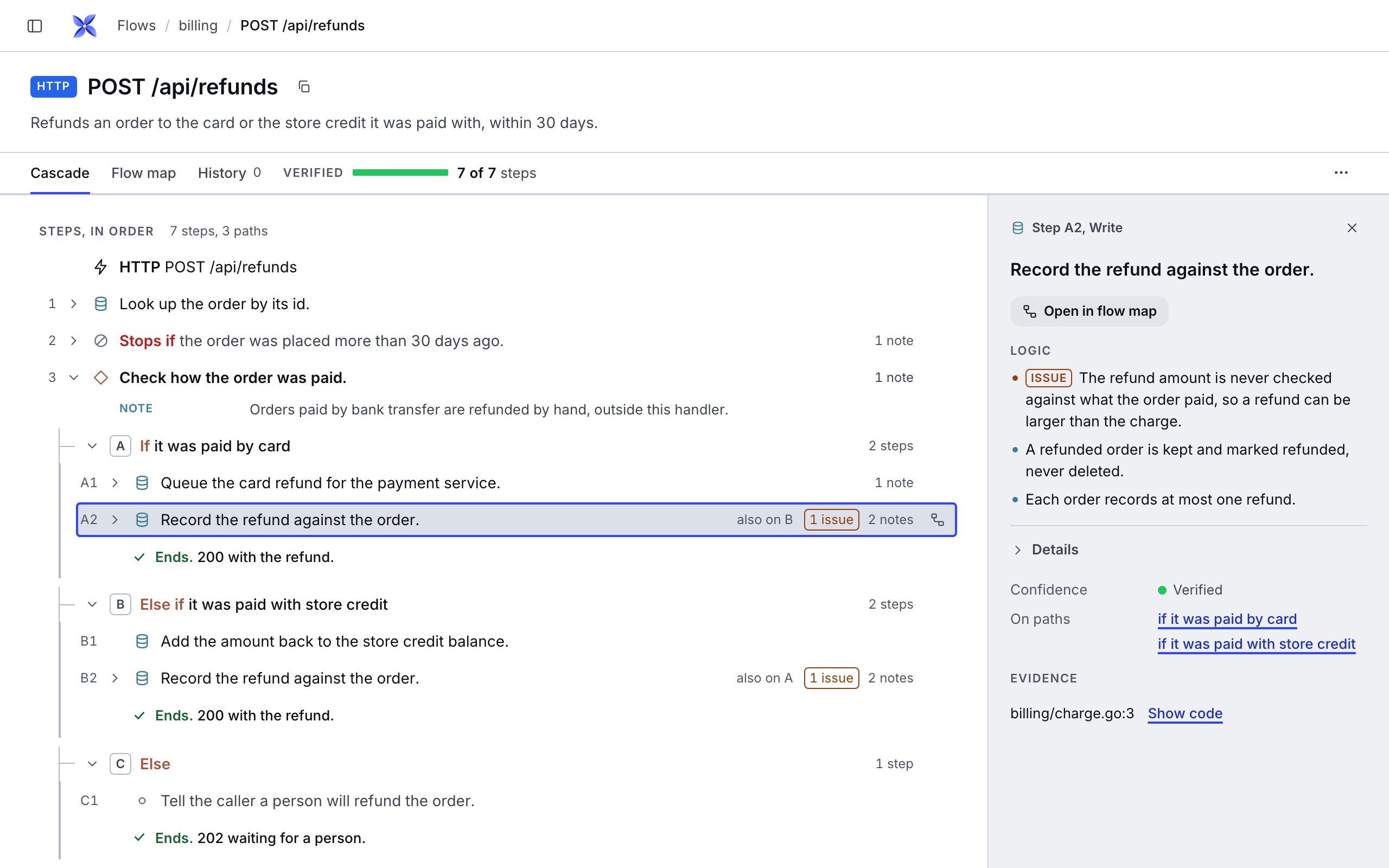
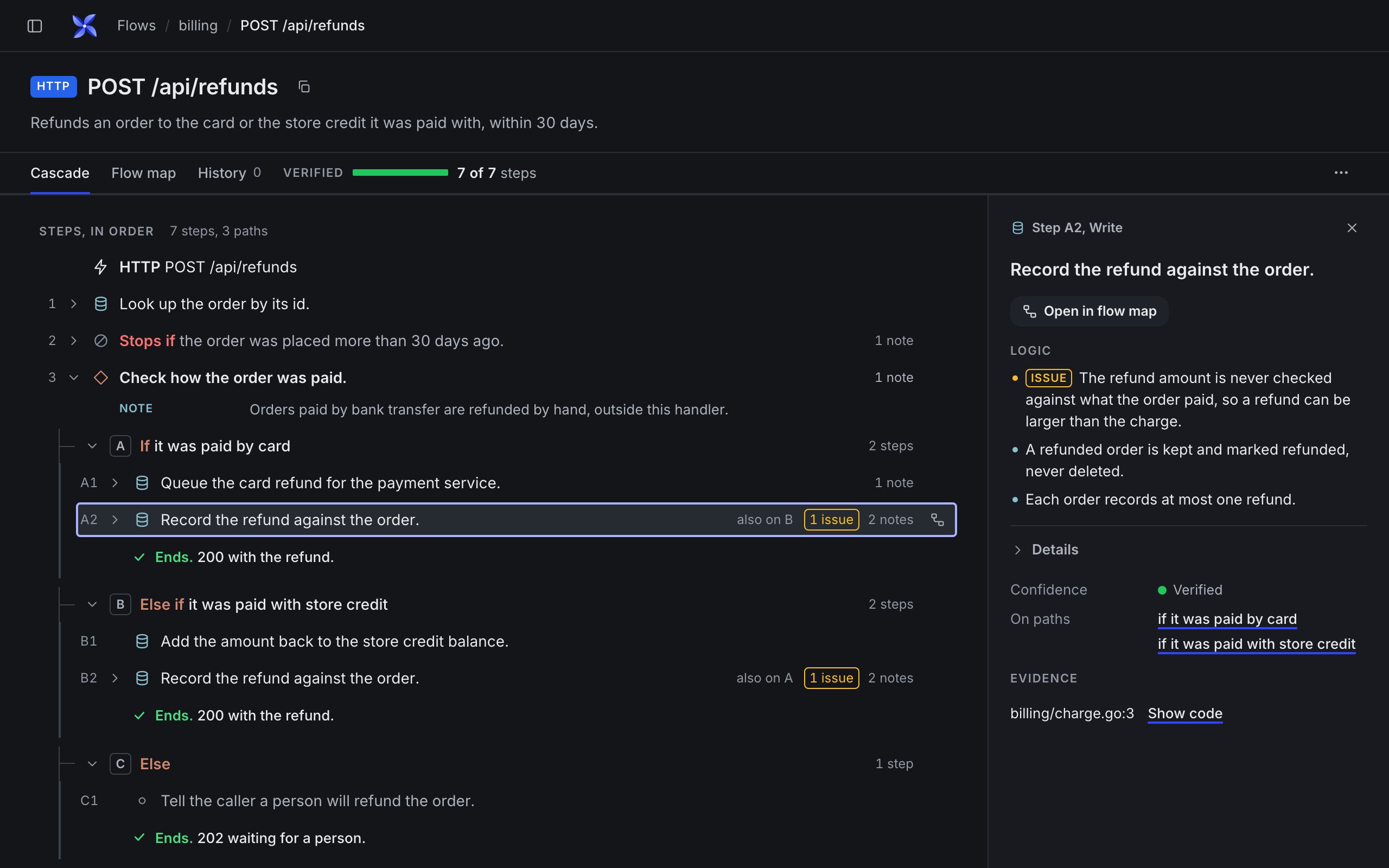
A step's business facts in the panel's Logic section, with an Issue first.
Where you see them
- On the step’s row. In the Cascade, a step with facts shows “1 issue” in the warning colour and “2 notes” after it. Open the row to read them. Flow map cards show the same counts.
- In the step panel. Select the step: its Logic section lists the facts, Issues first, each Issue tagged. When a step has facts, the panel leads with them and folds its Details away.
- On a PR’s comparison. A pull request’s step-by-step comparison shows facts added, removed or reworded. See PR previews.
- For your agent. The
get_flowMCP tool returns each step’sbusinessFactswith their evidence,find_flowssearches their text, andflows_touchingmatches a fact’s cited lines. See MCP tools.
How facts are checked
Each fact is written from the code the step cites and checked separately against the lines the fact itself cites. Only facts the check supports are stored: one it can’t confirm is dropped, never shown as a guess. A fact can cite lines outside its step’s evidence when the rule lives elsewhere, such as a default in a config file. The check holds a few lines firmly:- A comment isn’t evidence. A fact resting only on a code comment is dropped, because a comment states intent, not behaviour. Reassuring claims such as “safe to retry” are held to this as much as warnings are.
- The consequence has to follow. A fact is kept only when what it says happens follows from the code shown.
- Claims that something is missing (no check, no retry) are judged against all the code shown, and dropped when another step handles what they say is missing.
Facts are verified, not exhaustive
A step with no facts may still hold something worth knowing. Facts cover what the check could confirm from the code shown; they are not an audit of the step. Read the step’s Details and its code when the business rule matters. A flow mapped before Flowmaps wrote business facts says so once above its steps: “Mapped before business facts. They appear on this repo’s next Map.”Issues
An Issue claims a defect or a security gap: a check that can be skipped, a write left half done when a later call fails, a limit that isn’t enforced. Issues get the strictest check: one is kept only when the code shown proves its cause, shows nothing handling it, and shows that the consequence it states follows. Even so, treat an Issue as a lead, not a verdict:1
Read the Issue and its evidence
Open the step, read the Issue, and choose Show code on the lines it cites.
2
Look for handling elsewhere
The check sees the step’s code and the code the Issue cites. Handling that lives somewhere else, such as a retry in a queue’s configuration or a guard in a gateway in front of the service, may not be visible to it.
3
Decide and act
If it holds, fix it like any other bug. When the fix merges and changes the code the step or the Issue cites, the step is checked again (unless merge updates are paused or out of credits), and the Issue drops away when the code no longer supports it. If the fix lands in code the flow doesn’t cite, re-map the flow to check it again.
Next steps
The flow page
Steps, evidence and verification.
Accuracy
How Flowmaps checks what it writes.