

Workspace settings
The workspace’s Settings has these tabs:PR previews for the workspace
Settings › PR previews decides whether pull requests in the workspace’s GitHub repos are previewed on every push or only when someone asks:- Each repo decides — every repo follows its own switch (below).
- On request in every repo — no pull request is previewed by itself. A preview runs when someone comments
/flowmapson the pull request, or presses Preview on its Flowmaps check on GitHub.
Stacked pull requests
When pull requests are stacked (each one based on the one below it), Stacked PRs chooses how they’re previewed:- Preview each PR — every pull request in a stack shows its own changes, compared with the pull request below it.
- Preview the top only — one preview of the whole stack. It uses fewer credits when several pull requests in a stack change the same flows.
Repo settings
Open a repo from Repos or the sidebar, then its Settings tab.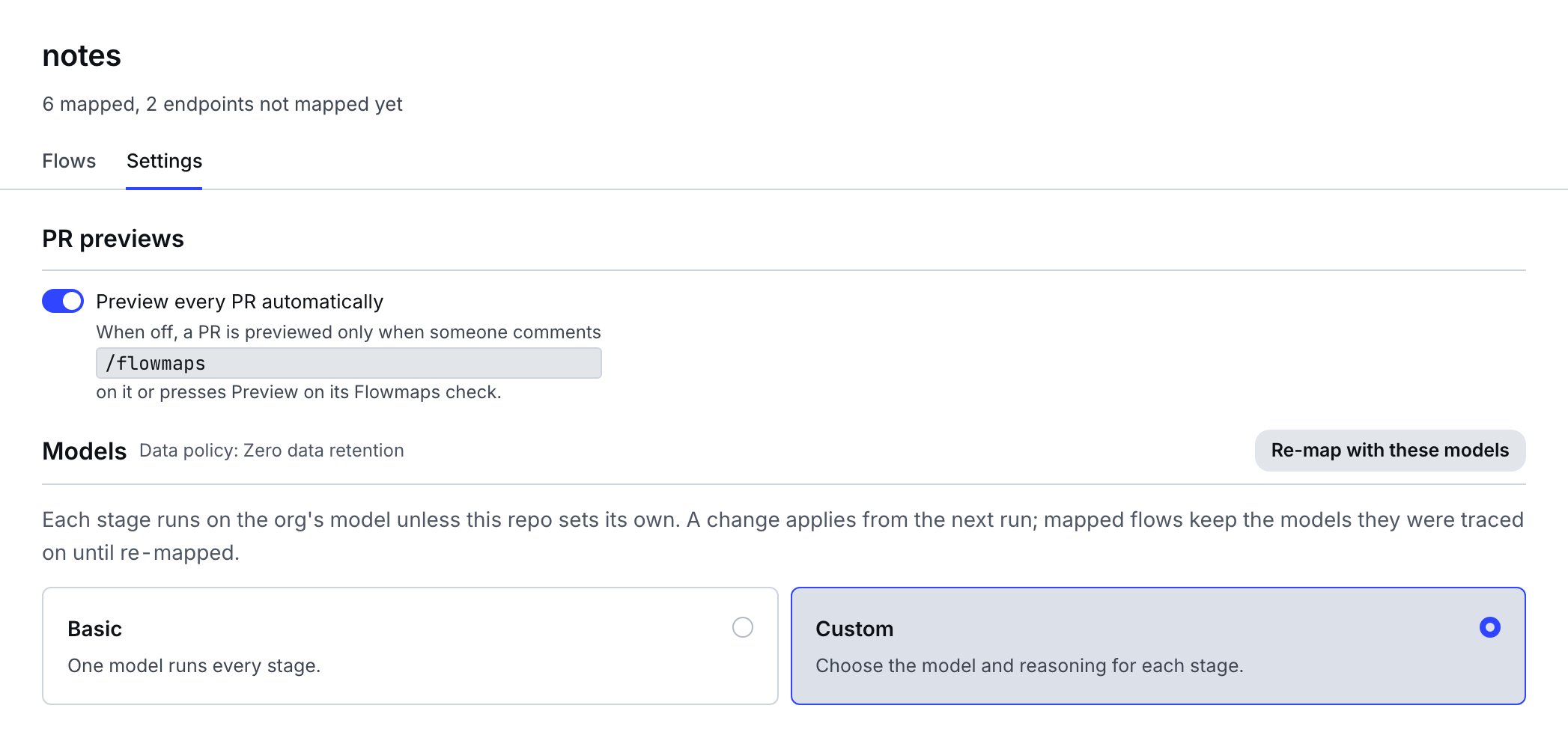
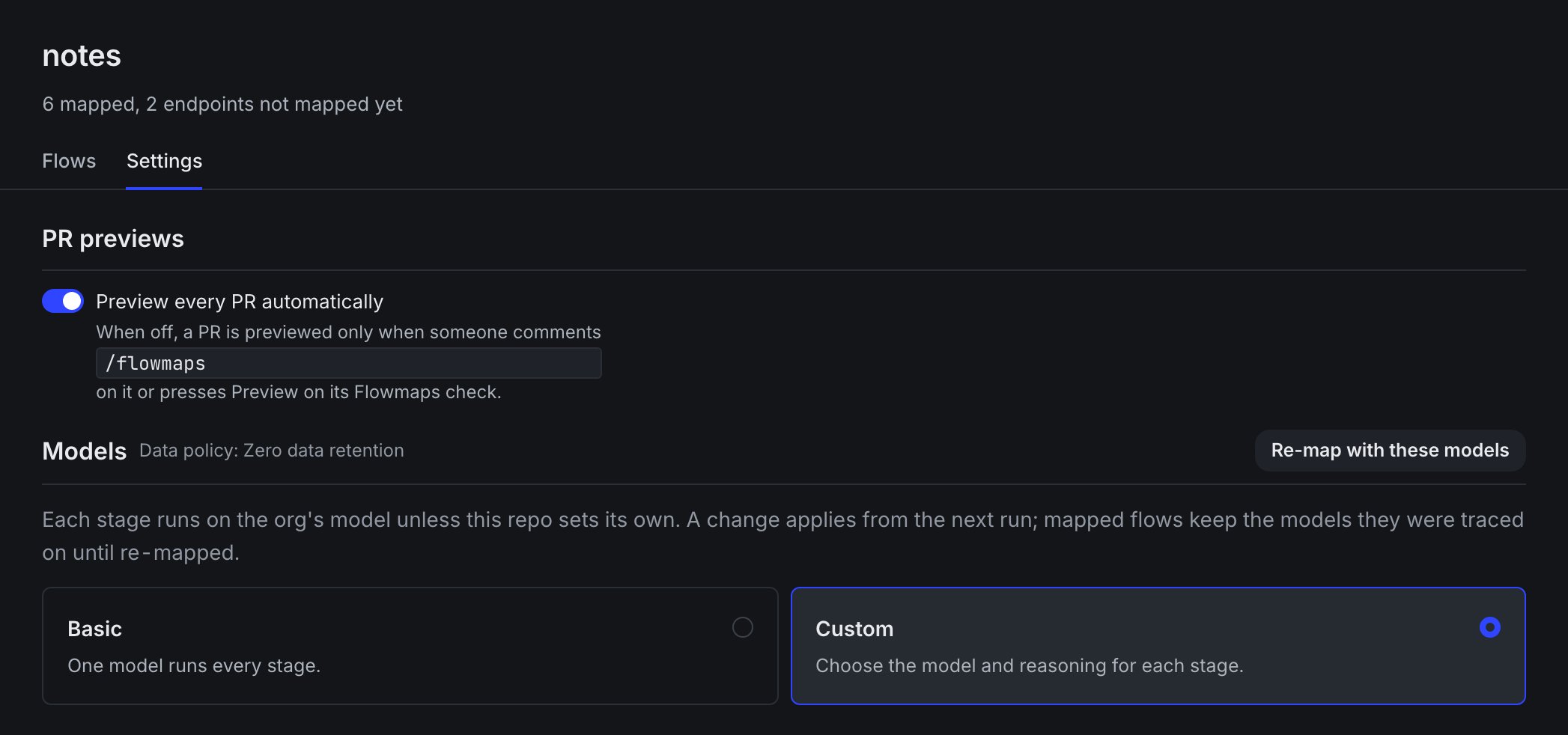
A repo's Settings tab: its PR preview switch, then its models.
Preview every PR automatically
When this switch is on, every push to an open pull request is previewed. When it’s off, a pull request is previewed only when someone comments/flowmaps on it or presses Preview on its Flowmaps check.
The switch is locked, with the reason shown under it, when:
- the workspace is set to On request in every repo, or
- the account’s plan doesn’t include automatic previews (Starter previews on request only; Free has no previews).
Models for one repo
Each stage of mapping runs on the workspace’s model unless the repo sets its own. Use this when one repo needs a different model from the rest, for example a large or unusual codebase. Choose Use the org’s models to go back to the workspace’s choices. A change applies from the next run. Flows already mapped keep the models they were mapped with until you re-map them.Re-map with these models
Re-map with these models re-maps the repo’s flows that weren’t mapped on the current models. Before it starts, Flowmaps shows how many flows it would re-map and the estimated credits. If every flow is already mapped on the current models, it says so and there’s nothing to do. The button is unavailable while the repo is frozen because the account is over its plan’s repo count.Next steps
PR previews
What a preview shows and how to ask for one.
Models
Basic or Custom, and model multipliers.