

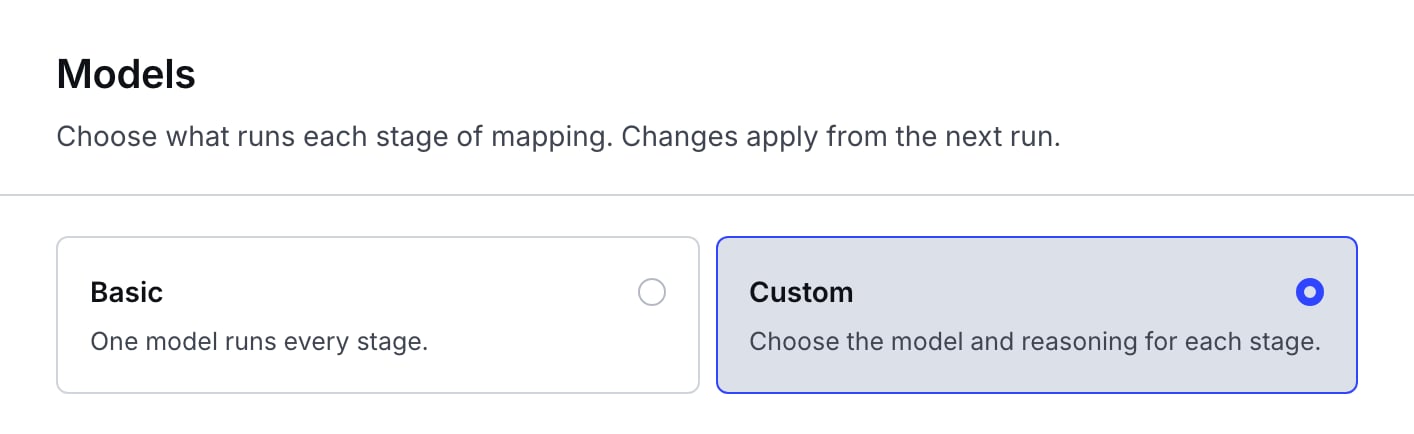
Settings › Models opens on one choice: Basic or Custom.
What each plan allows
Your account’s free first map runs on Basic models, whatever the workspace’s model settings. If the account’s data policy rules out Basic models, the first map runs on your own models instead and is charged.
Basic or Custom
The Models page opens with one choice.Basic: one model for every stage
Basic runs one model on every stage. Pick a model from the list. The selected model has a reasoning switch:- Recommended — the levels Flowmaps measured as the best balance for that model, which can differ from stage to stage. Start here.
- Levels such as Off, Low, Default and High, depending on the model — the same level on every stage. Higher reasoning can help on complicated code and uses more credits.
Custom: a model for each stage
Custom sets a model and reasoning level for each stage of the work. It’s available on Pro and Team. The stages come in three groups:- Entry points — finding a repo’s routes, RPCs, jobs and commands, and confirming each one against the code.
- Pull requests and merges — deciding which changed files can affect entry points, and whether a change affects a flow.
- Mapping flows — mapping a flow step by step, rewriting the steps a change touched, checking steps against their code, fixing steps that didn’t hold up, and writing each step’s detail.
Model multipliers
Each model in the list shows a multiplier: how many credits it uses for the same work compared with Basic models. The list is sorted from the smallest multiplier up. For example, if a map would use about 1,000 credits on Basic models, the same map on a model marked 4× uses about 4,000. Multipliers are measured from real maps and can change as Flowmaps measures more. When you choose a model, estimates for maps and previews use its multiplier. See Credits and usage.Models you can’t choose
A model can appear in the list but be unavailable, with the reason beside it:- Its plan — the model needs a plan that allows choosing it.
- The data policy — each account has a data policy, such as Zero data retention, shown in the Models section of a repo’s Settings tab. Models whose hosts don’t meet it can’t be chosen. See Security and privacy.
Models for one repo
A repo can use its own models instead of the workspace’s, from the repo’s Settings tab. See Repo settings.When you change models
- New maps, merge updates and previews use the new models from their next run.
- Flows you already mapped keep the models they were mapped with. To re-map them on the new models, use Re-map with these models on the repo’s Settings tab. It shows the estimate before it starts.
- If you move to a plan that doesn’t allow your choices, those stages fall back to Basic models.
Choosing well
- Start with Basic models. They map most codebases well and keep credits low.
- Raise reasoning before changing models if flows on complicated code miss branches or failure paths.
- Use Custom on Pro or Team to put a stronger model only where it pays off, for example on checking steps against code, and keep the rest on Basic.
- Compare on one repo first. Change a single repo’s models, re-map it, and compare its flows before you change the whole workspace.
Next steps
Credits and usage
How models affect what work costs.
Accuracy
How flows are checked and how to read them.